




 Call Us Now


Replace or have a switch checked when it crackles, buzzes, pops, feels hot, delays before the light responds, flickers when touched, or shows discoloration or physical damage.

Touchstone Electric Blogs
Gastonia Light Switch Replacement Tips
Learn when Gastonia homeowners should replace light switches, dimmers, smart controls, and wiring that feels hot or unreliable.
Expert Insight
From licensed electricians
Code Compliant
Built to safety standards
Licensed & Insured
NC & SC certified
5-Star Reviews
Trusted by homeowners
Warning Signs
A Bad Switch Can Warn You Early
A light switch is small, but it is still a connection point in your home's electrical system. If a Gastonia switch crackles, buzzes, feels hot, delays before the light turns on, or makes lights flicker when touched, the issue may be worn internal contacts, a loose termination, an overloaded control, or old wiring in the box. For diagnosis, start with electrical repair services.
- Crackling, buzzing, popping, or delayed switching response
- Warm or hot switch plates, discoloration, or damaged devices
- Flickering lights when the switch is moved or tapped
- Three-way, smart, motion, and dimmer controls checked before replacement
A switch replacement should leave the wiring safer than it was found. That means checking the box, conductors, grounding, and connected load before the cover plate goes back on.
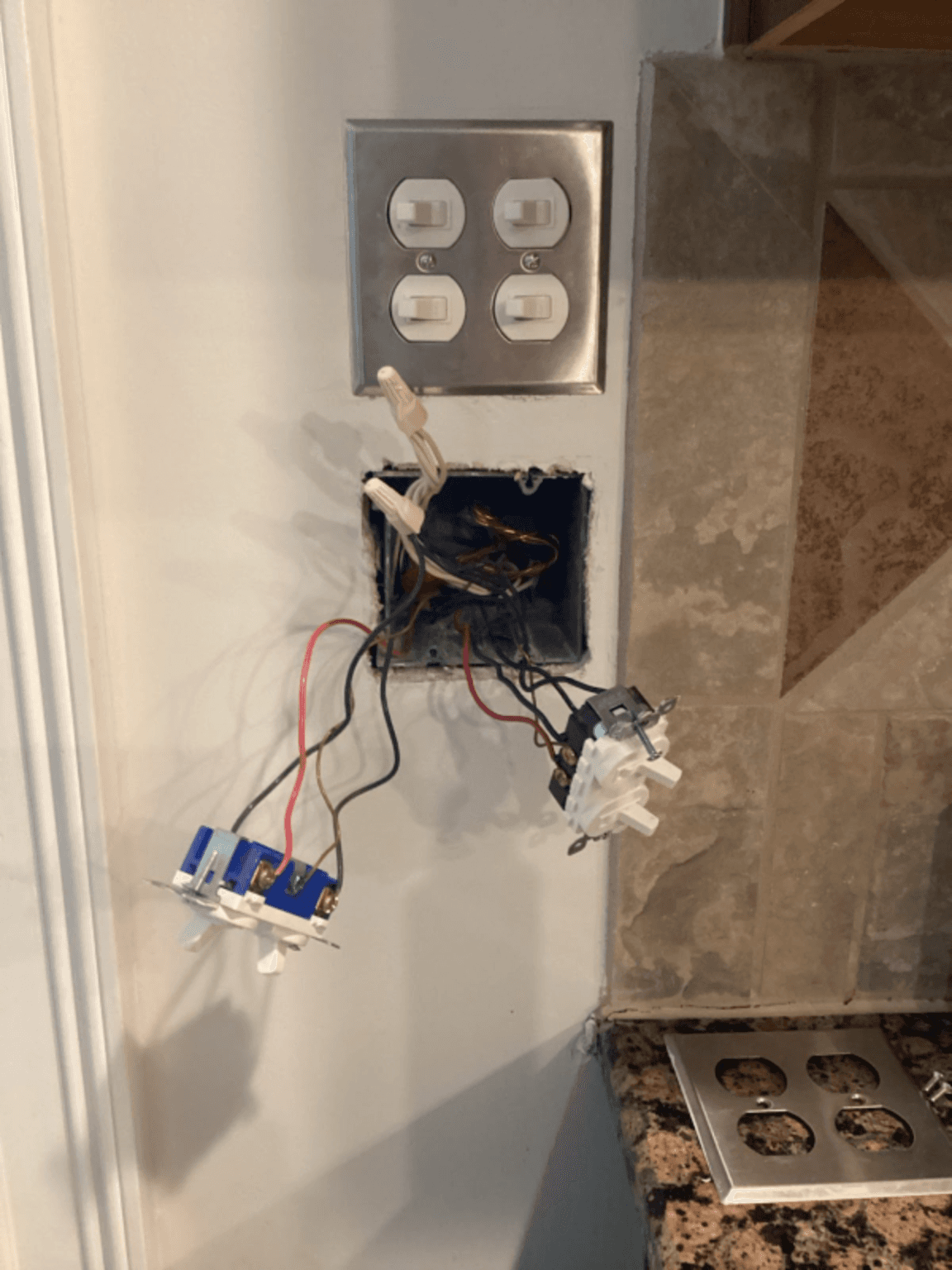
Do not ignore heat at a switch
A switch or dimmer that is hot, buzzing, sparking, or discolored should be shut off and checked. Heat often points to a poor connection, incompatible dimmer, overloaded control, or damaged device.
Switch type matched to the wiring configuration
Dimmer compatibility checked with the lighting load
Loose or arcing connections corrected before reuse
What We Check
Modern Switches Need Correct Wiring
A single-pole switch, three-way switch, dimmer, smart switch, and motion sensor do not all wire the same way. Some controls need a neutral conductor in the box, some need a compatible lighting load, and some should not be reused with older damaged wiring.
NEC 110.14 matters because switch problems often begin at terminations, which are the wire connection points on the device. A loose termination can arc, make heat, and damage the device or nearby insulation.
For living areas, NEC 210.12 is the arc-fault protection topic. Arc-fault protection watches for tiny sparking from damaged conductors, loose connections, or pinched cords. The goal is fire prevention, not just code paperwork.
- Replace switches that crackle, buzz, pop, delay, or feel hot during normal use.
- Do not guess at traveler wires in a three-way switch circuit if two switches control the same light.
- Check LED and dimmer compatibility before assuming the dimmer itself is bad.
- Confirm smart switches have the wiring they need, especially when a neutral conductor is required.
- Keep finished switch work documented with your Lifetime Craftsmanship Warranty details.
Switch replacement can be simple when the wiring is modern, the box is clean, and the device is a like-for-like swap. It gets more serious when the switch controls multiple locations, the wiring colors do not match expectations, the box lacks grounding, or the old device shows heat damage.
Gastonia homeowners can review local service details on our Gastonia electrician page. If the problem involves outlets too, compare the warning signs on our Gastonia outlet replacement guide. For broader repairs, see our electrical services.
Have a switch that feels wrong?
Tell us what the switch is doing and what it controls. We will check the wiring, load, device type, and safety concerns before replacing it.